Your farm is a business. Manage it like one.
Production, workers, stock, expenses and sales in one place.
- ProductionPlantings, animals and harvests
- OperationsTasks, workers and stock
- BusinessCosts, invoices and sales
See it working
What you will use every day
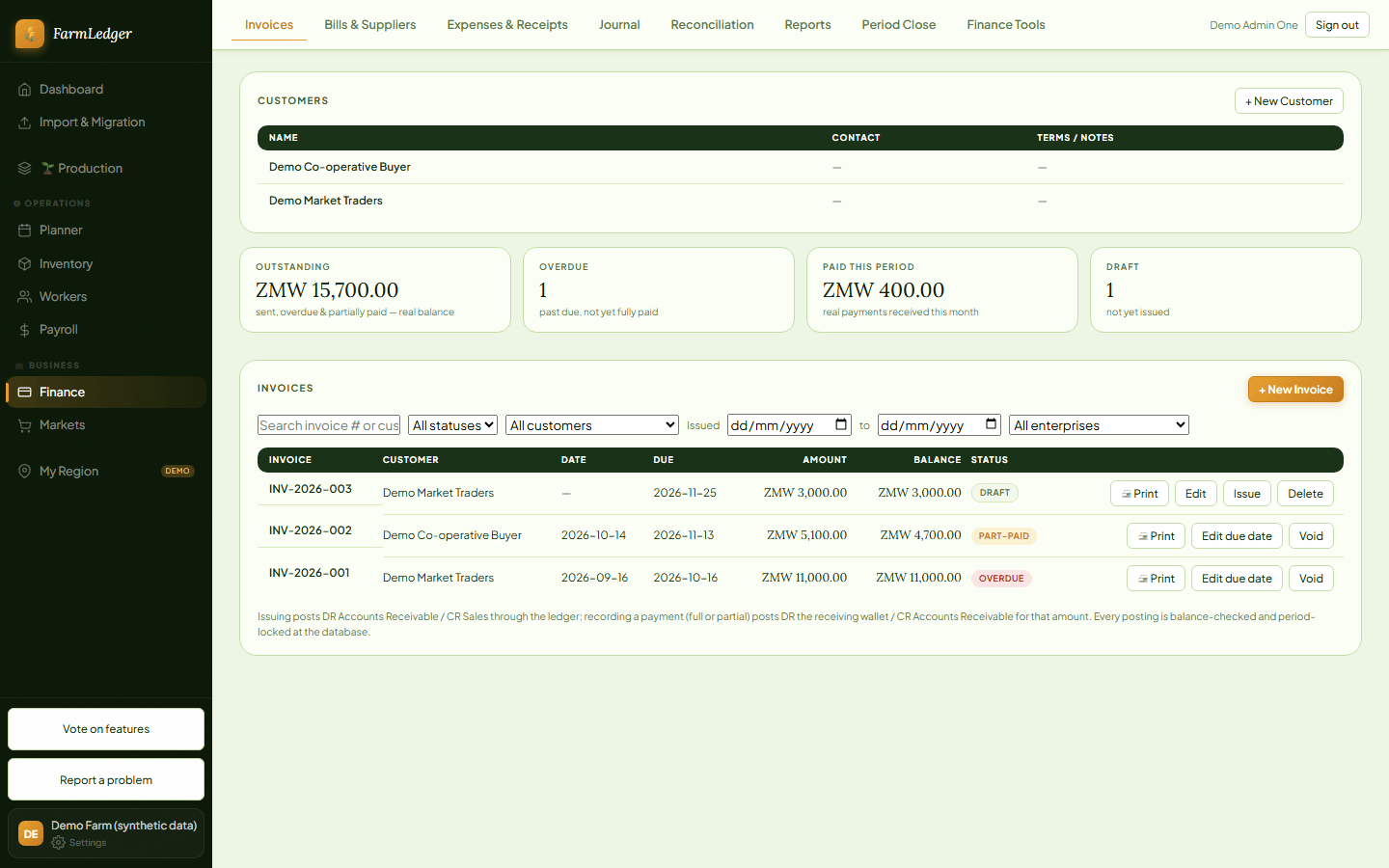
Screens from a demonstration farm (invented data).
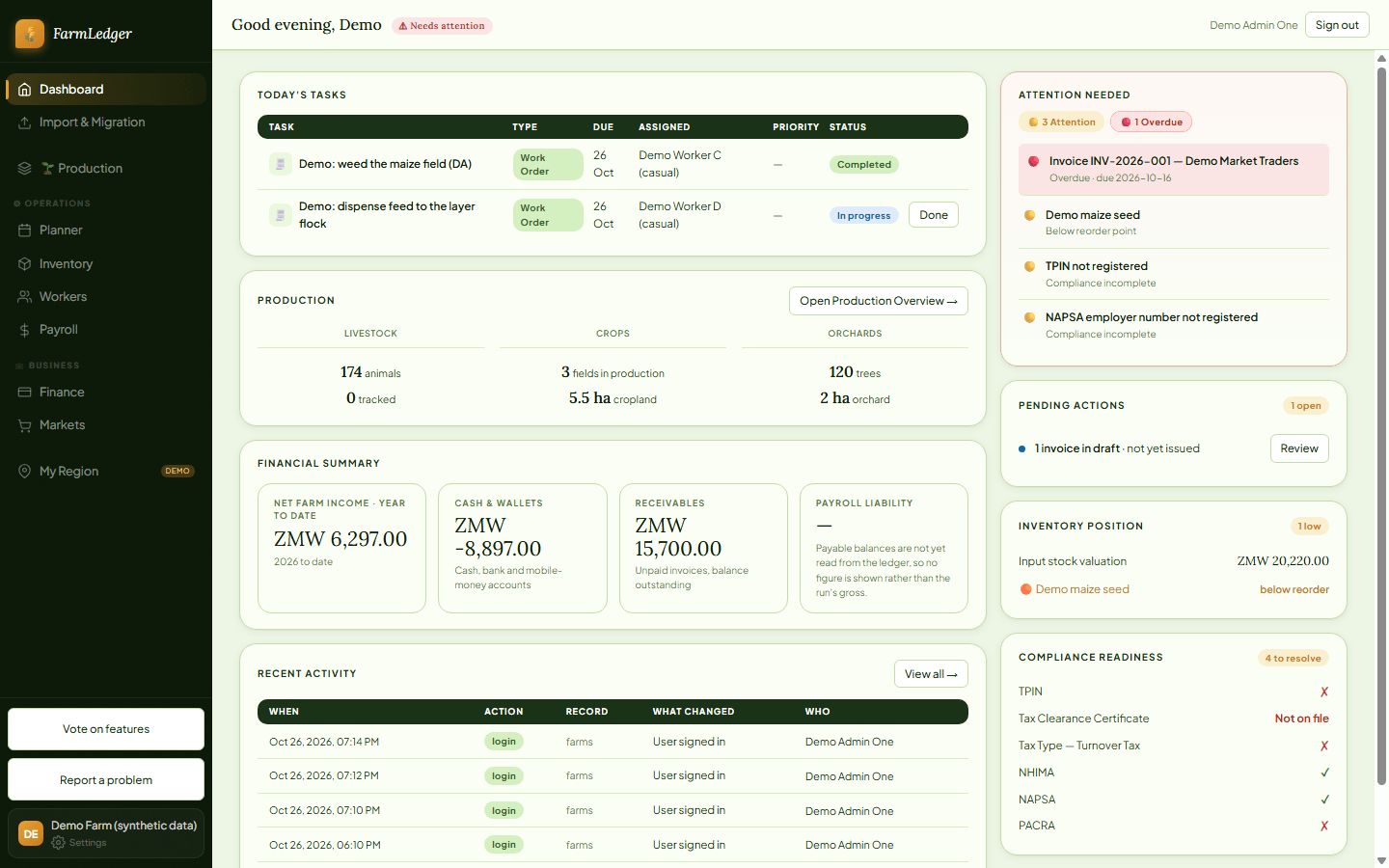
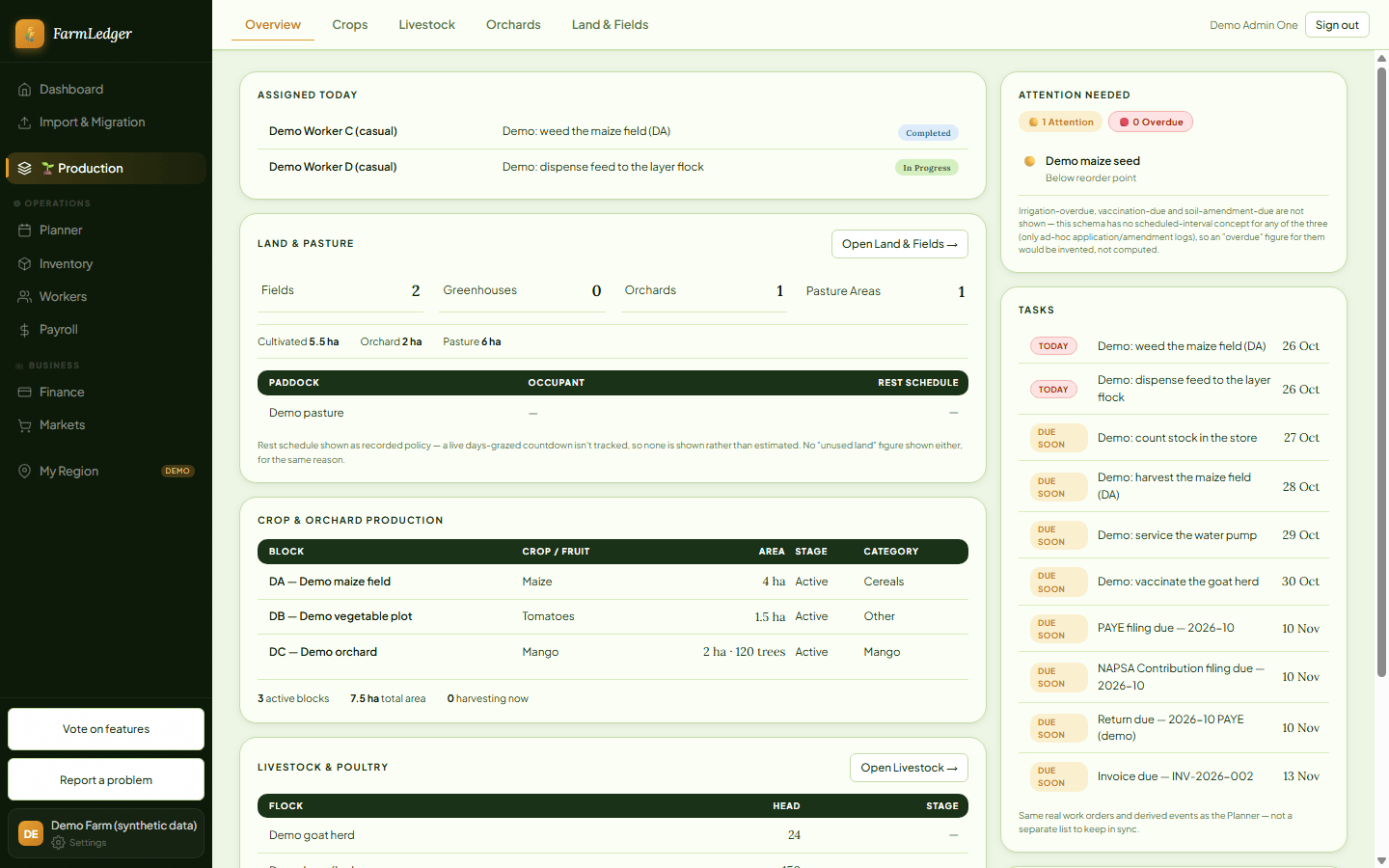
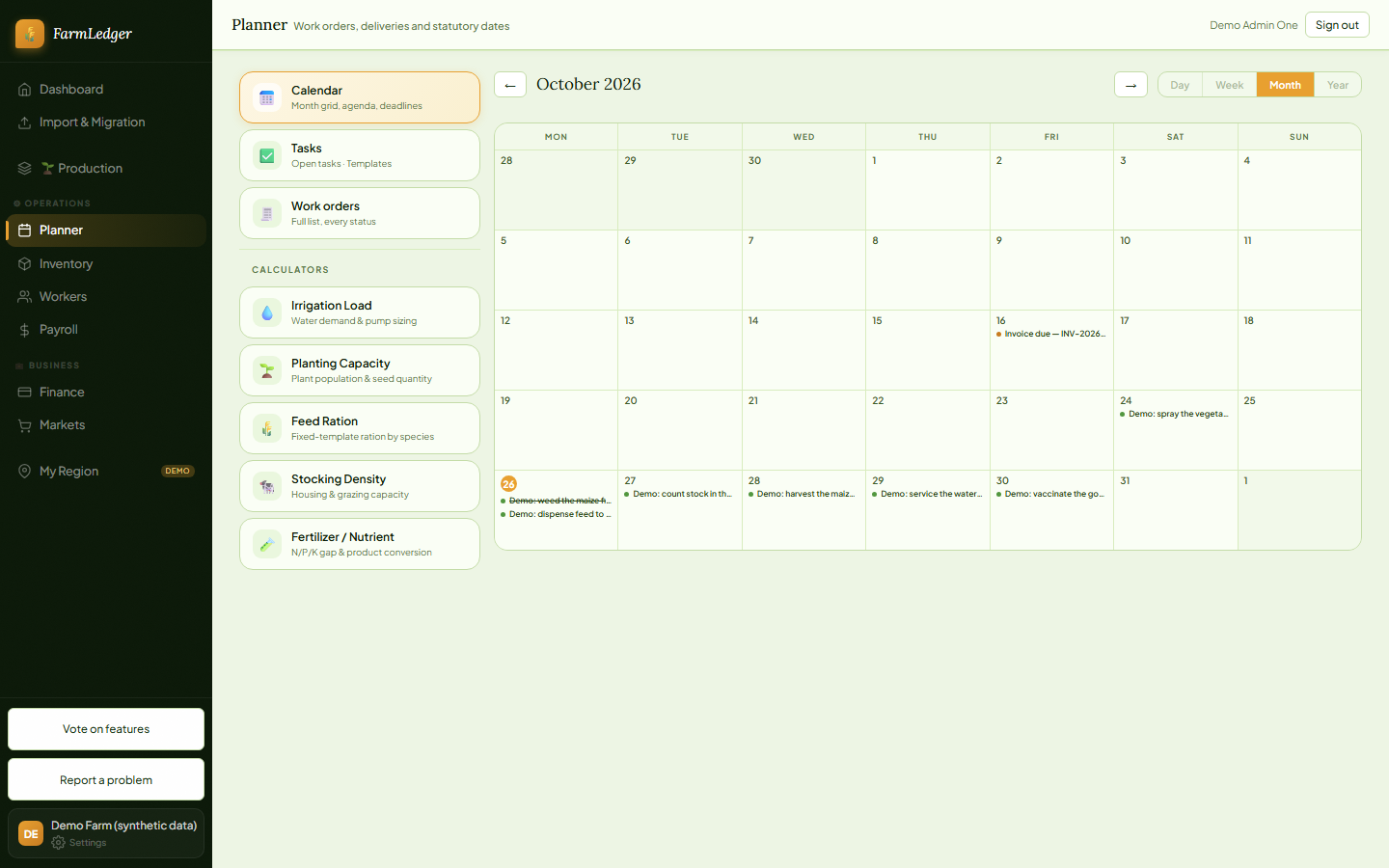
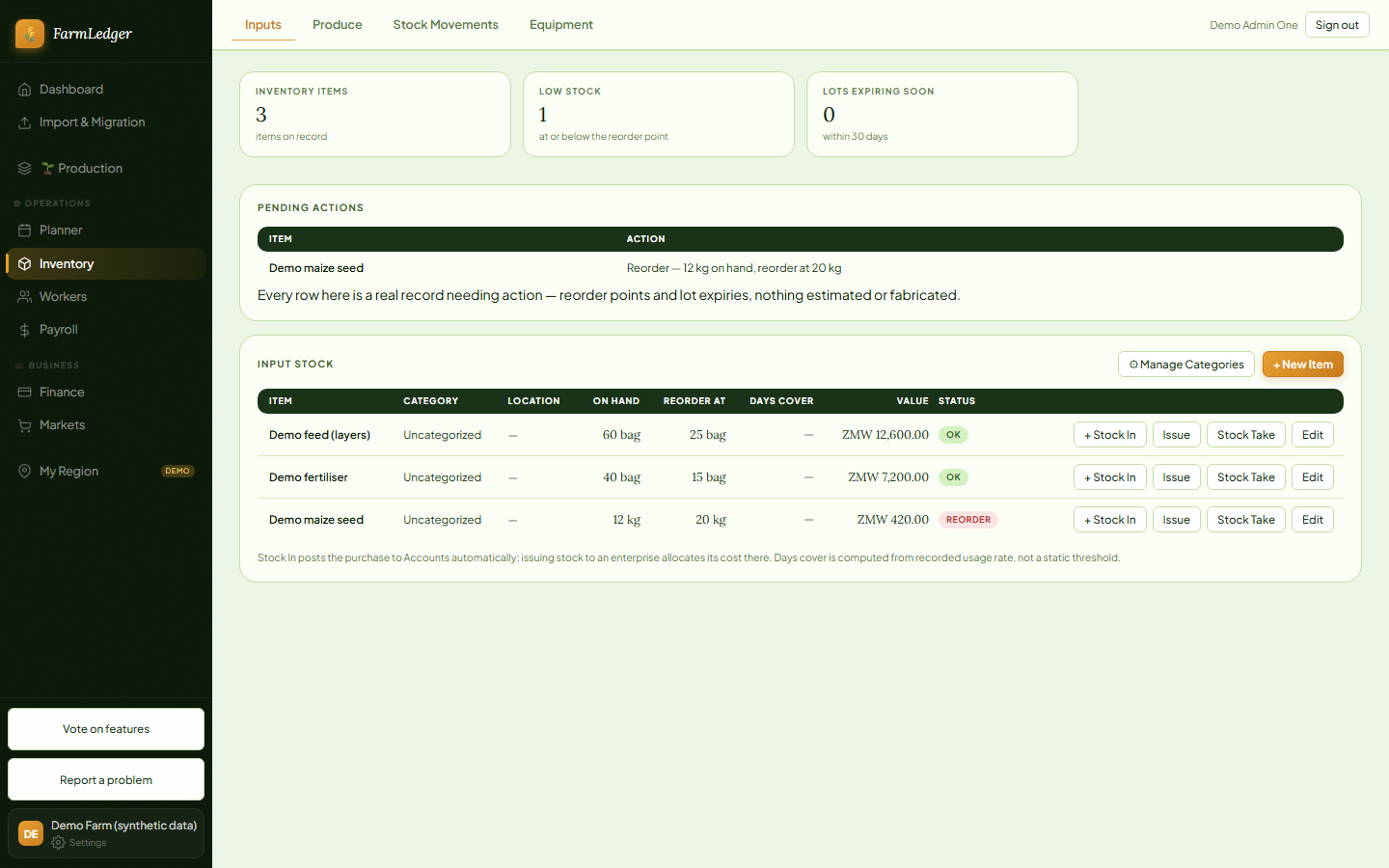
Replace the scattered notebooks and spreadsheets
One place instead of many
Plantings, animals, tasks, stock and money live together, not across notebooks, phone photos and spreadsheets.
Know your costs
Record what you spend and tie it to the crop or animal group it belongs to, so you can see what each one costs you.
Keep your workers in order
A roster, attendance, leave, advances and payslips your workers can read, kept per worker.
Records you can find and export
Everything you enter stays in one place, and you can export your data from Settings.
Five areas, one farm
Production
Plan plantings and keep animal records.
Operations
Schedule tasks, manage workers and track stock.
Finance
Record expenses, invoices and payments, and run payroll.
Markets
Keep buyer contracts and market prices in view.
Dashboard
See tasks, money and production at a glance.
Founding farms
Help shape the future of farm management.
Free during the beta
FarmLedger costs nothing to use while it is in beta.
The first 100 farms
Across all supported countries, first come first served.
Your feedback shapes the product
Tell us what works and what does not.
How it works
Choose your country
This sets your currency and which tools apply.
Set up your farm
Name it, say what you grow or keep, and invite your team when you are ready.
Start fresh or add records
Begin with an empty farm, or bring in what you already keep.
Begin
Record the day's work as it happens.
What works where
Records, accounting and custom deductions work in every supported country. Statutory payroll and filing (PAYE, NAPSA and NHIMA) are built for Zambia only today.
Supported countries
- Botswana
- Ghana
- Kenya
- Namibia
- Nigeria
- South Africa
- Zambia
- Zimbabwe
Questions
Which countries can use it?
Botswana, Ghana, Kenya, Namibia, Nigeria, South Africa, Zambia, Zimbabwe. Zambia has the full payroll tools; the others have records, accounting and custom deductions.
What about currencies and units?
Your farm uses the currency of the country you choose at sign-up, one currency per farm. You choose hectares or acres for land when you sign up.
Do I need internet?
Yes. FarmLedger runs in your web browser and needs a connection. There is no offline mode yet.
Whose data is it?
The records you enter are yours. Only the people you invite to your farm can see them, and you can export your data from Settings.
How do I get started?
Create an account, choose your country and set up your farm. Then start with an empty farm or bring in existing records with the import tool.
What happens after the beta?
Terms will be announced before the beta ends.
Ready to run your farm like a business?
Create your account and set up your farm.